
Lampasas County Warrant Searches
There is no single countywide search that covers Lampasas district, county, JP, and municipal court records. Read the issuing court from the citation or case papers first. If that is not clear, the live Texas judicial directory can help identify the court and its contact details, but it does not search warrants.
Use the case or citation number when you have it. A name and date of birth may help an official clerk distinguish a record, but do not send sensitive identifiers in an open email. A negative result from one court says only that the office did not locate a responsive record in its own system.
- Use the Lampasas city portal for a city citation, not as a countywide warrant index.
- Call JP1, JP2/3, or JP4 for the precinct printed on a justice-court citation.
- Ask the District Clerk or County Clerk about a specific court case.
- Call the Sheriff's Office at 512-556-8255 for county custody or warrant routing.
- Check DPS separately for a reported FTA/FTP hold, then ask the court about the underlying case.
Lampasas County Sheriff Has No Public Search
The official Sheriff's page provides the county office contact but no public active-warrant name search, warrant desk number, or current list update schedule. It links VINELink for custody status, which answers a different question. The Sheriff can direct a caller to the likely holder, but the issuing court controls its own record.
For a specific record, the county publishes openrecordsrequest@co.lampasas.tx.us and a mailing route to 501 E. Fourth Street. A written request may be limited under Chapter 552; it is not a guaranteed live warrant check.
The county's official Sheriff contact panel shows the public service channel.
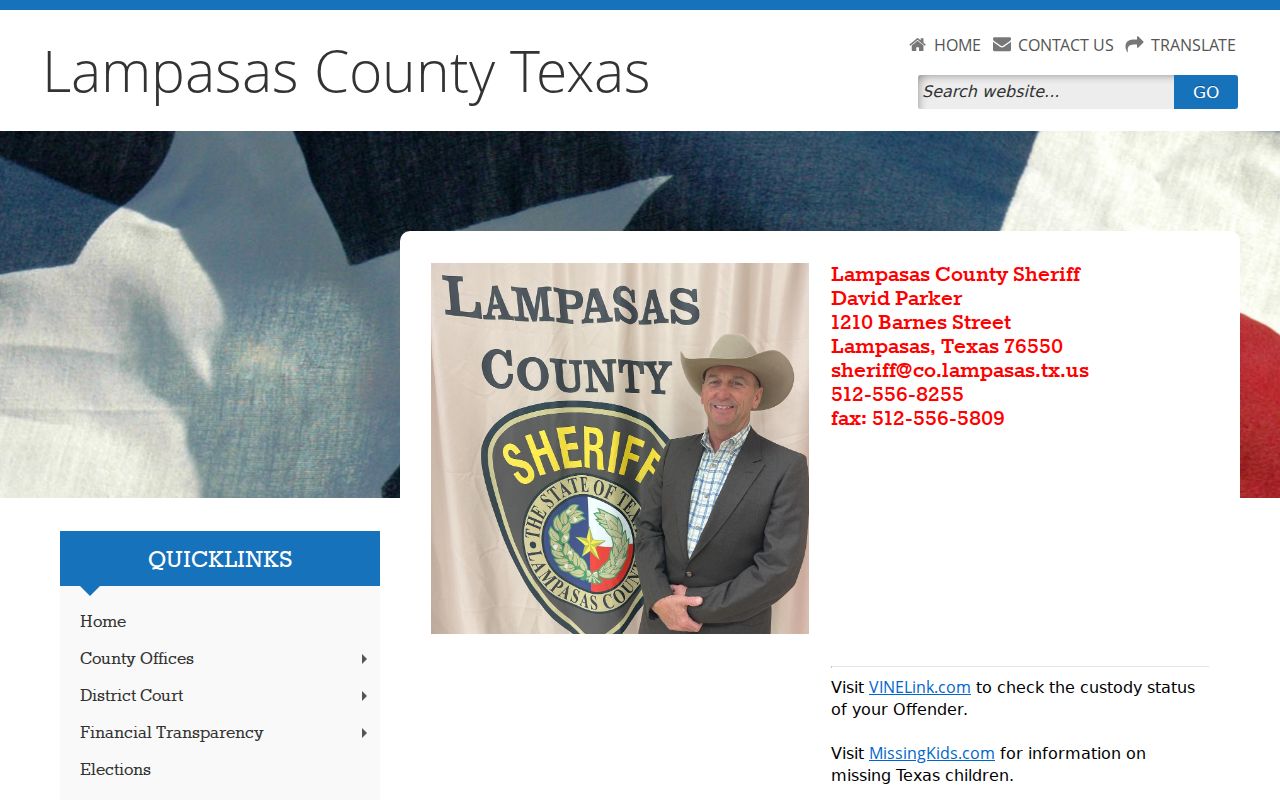
Call to ask which court should confirm the current status.
What a Warrant Search Asks For
The Lampasas Municipal Online Services site is a citation search, not a sheriff warrant portal. Its field choice depends on what appears on the ticket. The source page does not mark fields as required, so use the citation's exact format or call the court rather than guessing at a partial match.
| Field Label | Type | Required | Notes |
|---|---|---|---|
| Citation number | Text | Not stated | Enter it as printed; the portal gives CS 12345 as a format example. |
| Name | First and last name | Not stated | The portal pairs a name search with date of birth. |
| Driver license | Number and state | Not stated | City citation search mode only. |
| Vehicle | Plate and state | Not stated | An additional identifier appears in the portal. |
| Business name | Text | Not stated | For a city citation account, not county warrant coverage. |
Lampasas County Warrant Checks Start With Court Scope
The Lampasas city citation portal offers citation, driver-license, Social Security number, vehicle, name, and business search modes. It belongs to Lampasas Municipal Court. The interface's example, CS 12345, is a format illustration only. Do not treat it as a case number or as a warrant record.
The portal warns that online payment results in a conviction. If a safety course, deferred adjudication, or another plea option may apply, call the court before paying. A portal balance or result cannot confirm a JP, district, county, federal, or other city's warrant.
The city citation-search page displays the available tabs.
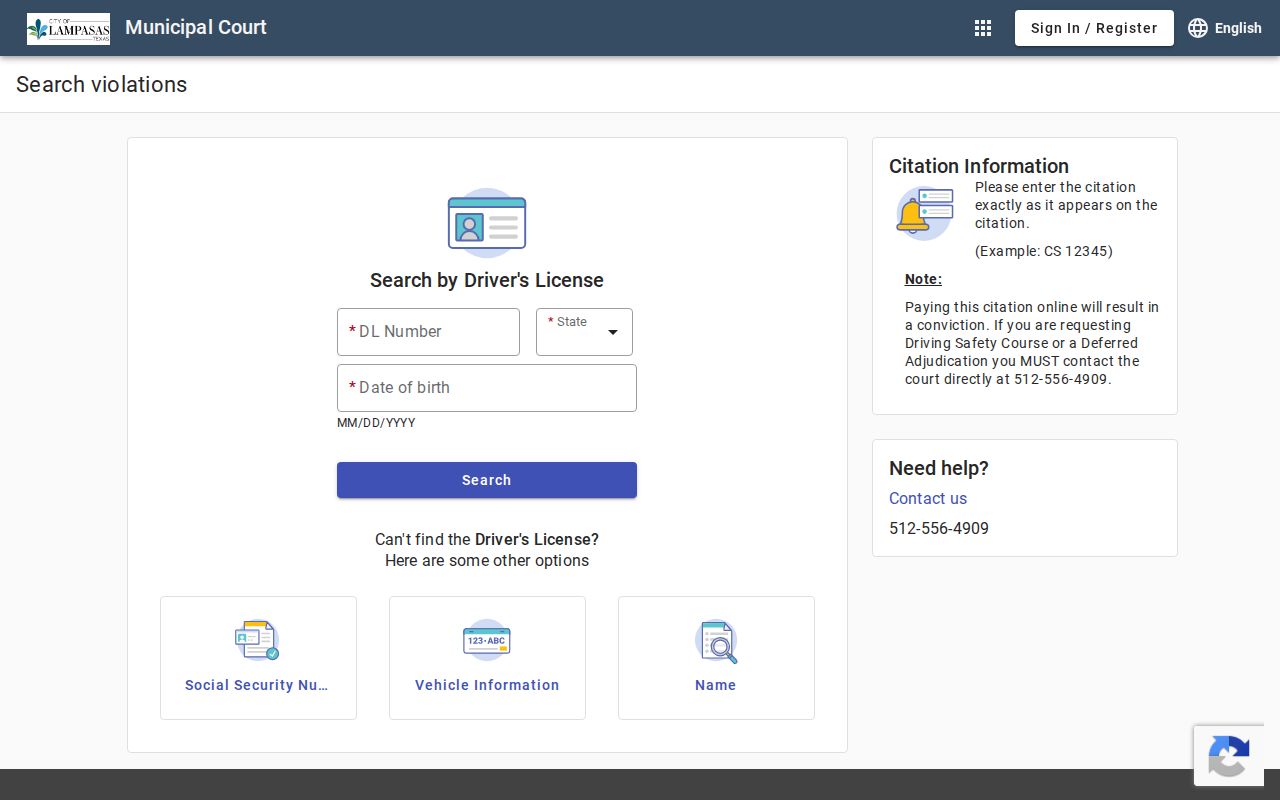
Choose the court's official channel only for the case it maintains.
Lampasas County Warrant Search Results
A county or district docket can show the cause, filing date, setting, offense, agency, bond field, attorney, and a warrant-related note. No public county Sheriff list schema was available to inspect. A city citation result may show a payment or appearance path without exposing a separate warrant status.
| Cause number | Format only: YYYY-DC-##### A district docket pattern, not a real case. |
|---|---|
| Offense | Charge text or a statute-style code may appear. |
| Issuing court | Use it to identify the clerk who can interpret the entry. |
| Bond or custody | May show an amount or an in-jail notation; the current setting needs confirmation. |
| Warrant event | “Issued” records an event and may not show whether it remains active. |
| Setting or disposition | Can show a later event without acting as a live warrant result. |
Lampasas County JP Warrant Files Stay Local
Four justice-court places are grouped into three public contact routes. JP1 is at the courthouse. JP2 and JP3 share a published contact based in Lometa. JP4 is based in Kempner. A ticket's precinct matters, even when the reader knows the city or road where it was issued.
The county's Justice Court page lists the grouped contacts and payment or form links. It does not provide a public warrant search. Ask the assigned clerk whether the case has an FTA, arrest warrant, or capias pro fine entry.
The JP2/3 contact page shows why Lometa geography alone does not identify a municipal court.
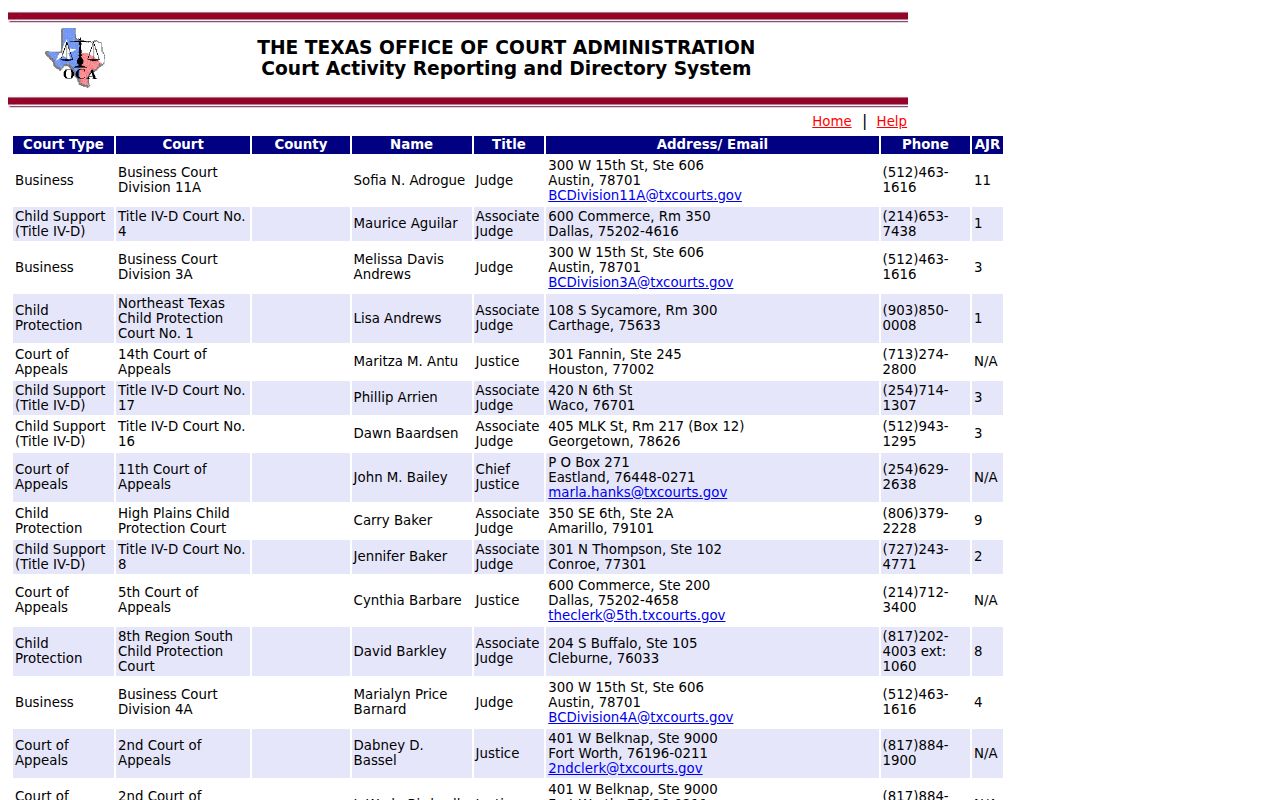
The judicial directory can locate a court official, but it cannot verify a warrant.
Lampasas County Warrants: Who Holds What
Use the District Clerk for 27th District Court criminal files, the County Clerk for County Court records, the appropriate JP clerk for justice-court cases, and the city's own municipal clerk for city citations. The Sheriff at 1210 Barnes handles county custody and process questions. Office roles do not merge simply because the offices are near one another.
The OCA live directory can help locate court-level contacts. It is not a warrant lookup, and no public statewide Texas active-warrant search replaces the local court chain.
Lampasas County DPS Hold Is Not a Warrant Search
OmniBase is a DPS Failure to Appear/Failure to Pay route for court-reported violations. It may affect license renewal, but the DPS FAQ says license specialists cannot see warrant information. A clear FTA/FTP result does not answer whether an arrest warrant or capias remains in another Lampasas County court.
The DPS FAQ describes the boundary between a reported hold and a local warrant status.
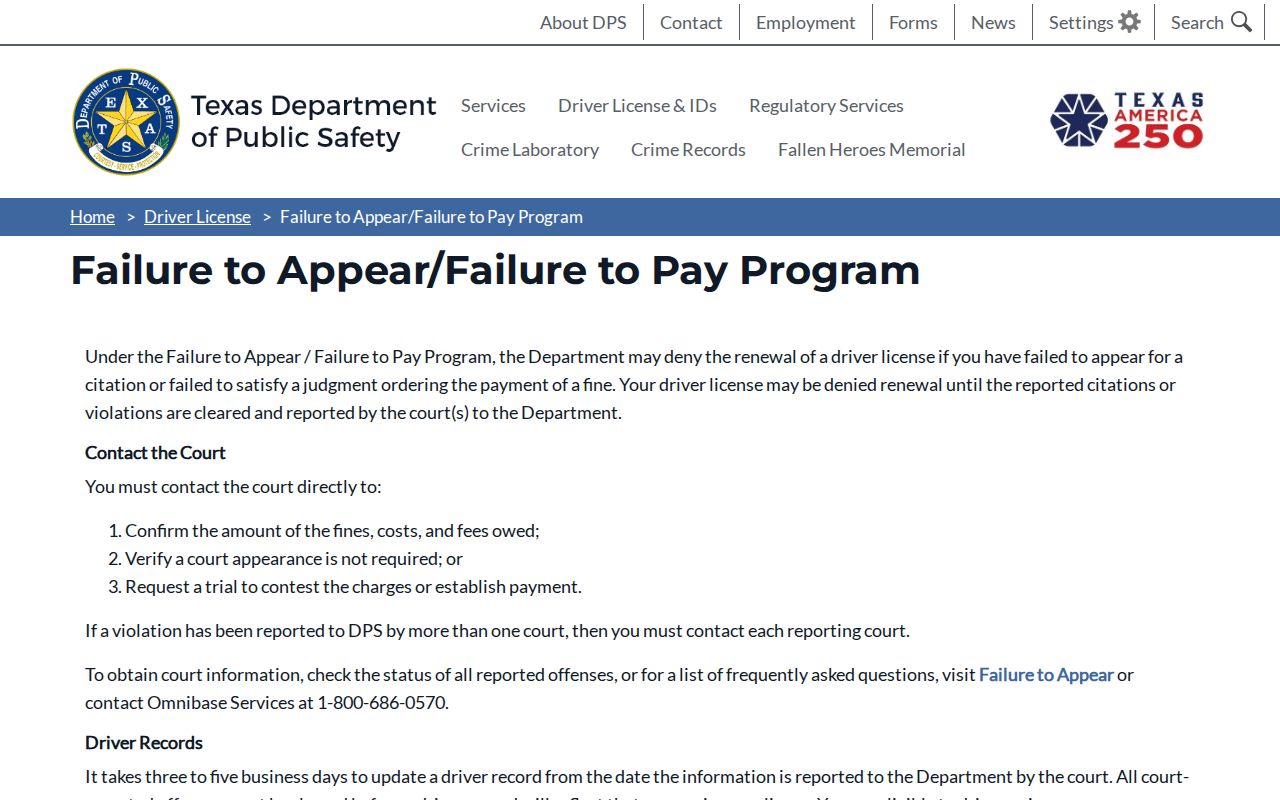
Contact the reporting court about the citation and the issuing court about the warrant.
Which Warrants Stay Restricted
Public access depends on the record holder and the case. A sealed warrant, juvenile law-enforcement file, or active-investigation record may not appear in a public response. Texas law also protects some sensitive identifiers. A record not found online can mean another court holds it, the entry is delayed, or release is restricted.
Key Rules:
Texas Government Code §552.108 permits withholding some law-enforcement material when release could interfere with an investigation or prosecution.
Family Code §58.008 restricts many juvenile law-enforcement records, subject to statutory exceptions.
A sealed or recently issued warrant may be absent from public view; ask the issuing court about the current status.
Lampasas County Negative Searches Need Follow-Up
If one office says it found nothing, ask whether it searched only its own court. Then confirm the issuer from the citation, call the matching clerk, and ask the Sheriff where county service or custody questions belong. For a serious arrest process, get legal advice before traveling to a law-enforcement facility.
Keep the cause number, the date of the call, the office name, and any written answer. If a record request is needed, describe a specific document or date range. A records response may be delayed or limited, so it should not replace direct status confirmation.