
Start a Lampasas Warrant Check With the Citation
Use the Lampasas Municipal Court citation search when the matter is a city citation. Its portal offers searches using a citation number, driver's license, Social Security number, vehicle information, name, or business name. The court's example format is CS 12345; use the citation as printed if available. A search result is a case lookup, not a complete citywide warrant roster, so call the clerk to confirm status and next steps.
- Search the city citation portal using the best identifier on the citation.
- Compare the case number, name, and listed court before treating a match as yours.
- Call Lampasas Municipal Court at 512-556-4909 if the portal omits status or gives an unclear result.
- For police records or service questions, contact Lampasas Police at 512-556-6235.
- If the case belongs to a JP or district court, contact that court; ask an attorney about legal options.
The Lampasas Portal Finds Citations, Not Every Warrant
The city portal's search fields help locate municipal citations, but they do not create a complete warrant roster. If a case appears, call the court to ask whether the entry is a citation, judgment, or current warrant. A blank result may reflect a different spelling, an older case, or another court, so verify the court name before drawing a conclusion.
Lampasas Court and Police Records Are Separate
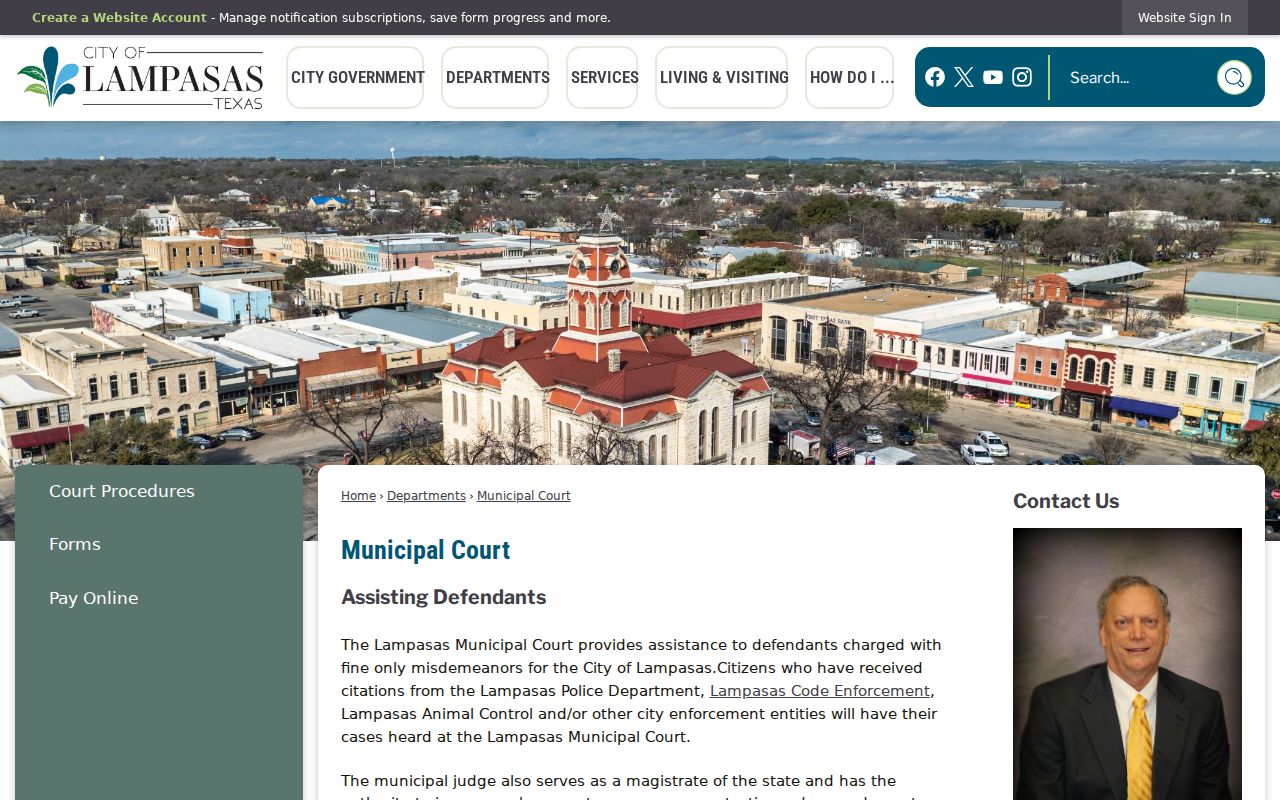
Lampasas Municipal Court is at 403 South Main Street, with the city listing the location as 405 South Main for court access. The clerk can be reached at 512-556-4909 or courtclerk@cityoflampasas.com. Public counter hours are Monday through Friday, 8 a.m. to 4:30 p.m. The court handles its citation and municipal-case records; the police department maintains law-enforcement records and is the local contact for service questions.
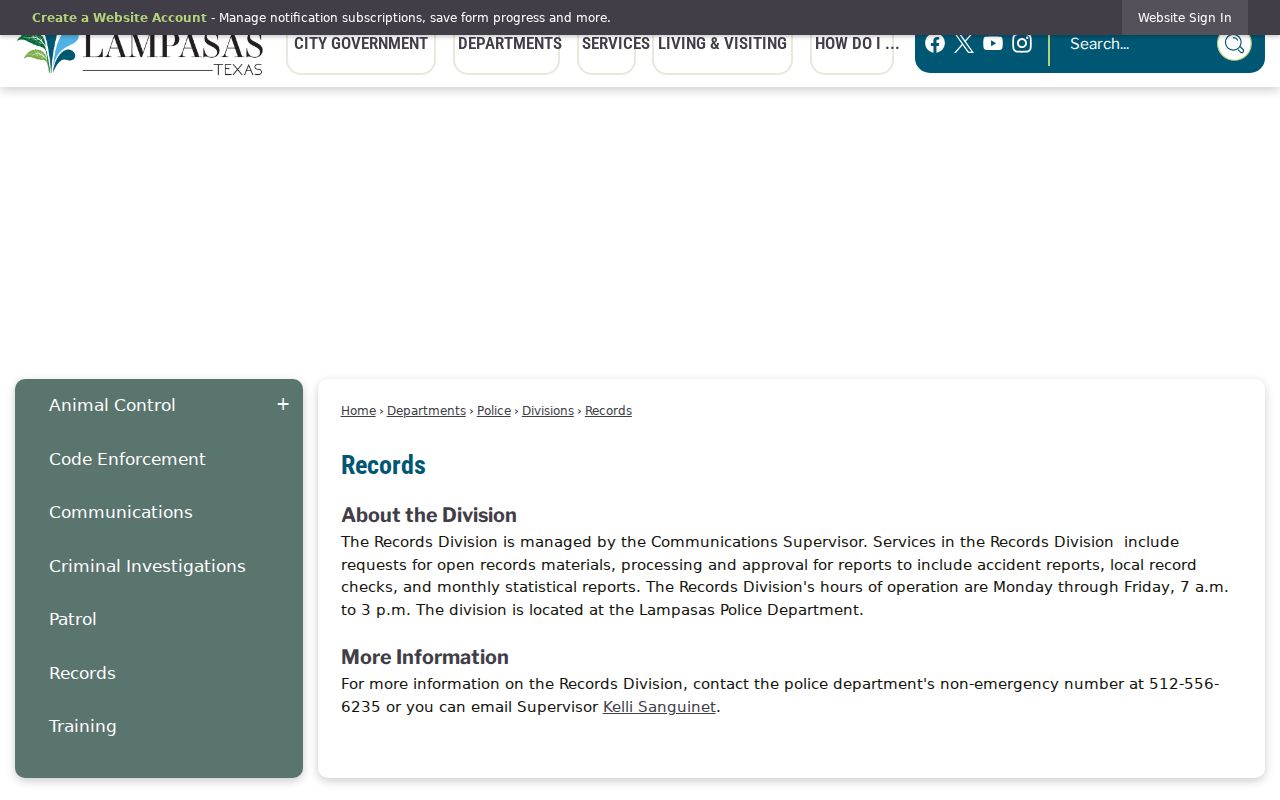
Lampasas Police is located at 301 East Fourth Street. The department's non-emergency and records number is 512-556-6235; the office is listed as open weekdays from 8 a.m. to 5 p.m., while police records hours are 7 a.m. to 3 p.m. on weekdays. Ask which desk handles the kind of record you need. The court portal does not replace a police records request, and a police records response does not alter a court order.
Online Payment Can Change the Case Outcome
The portal allows citation lookup and online payment, but the city's instructions caution that paying online results in a conviction. If you want to ask about a driving safety course, deferred disposition, or another court option, contact the clerk before paying. The fact that a payment button is available does not mean payment is the right choice for every person or every citation. Keep a copy of the case result and any confirmation number if you do submit a payment.
Ask the clerk to explain which options are available for your case and whether you must appear. The clerk can explain procedure but cannot advise you which option to choose. If a warrant is mentioned, ask whether the warrant is tied to this citation, whether the court can provide a current status, and what formal process applies. Avoid relying on a balance alone because it may not show every court condition.
City Cases That May Lead to Lampasas Warrants
Lampasas Municipal Court matters may involve a traffic citation, a local ordinance charge, or a court setting that requires a response. What action follows depends on the case and the judge's order. A city citation and a county justice-court case can look similar to a resident, but they are not the same docket. Check the court printed on the citation before choosing a portal or calling an office.
| Warrant Type | How It Arises | Who Issues It |
|---|---|---|
| Traffic case process | A citation or missed setting may require further court action; verify the docket. | Lampasas Municipal Court |
| Ordinance matter | A city charge proceeds under the court's instructions and applicable law. | Lampasas Municipal Court |
| Capias pro fine | May arise after judgment and nonpayment; it is not simply any missed date. | The court handling the judgment |
| Criminal arrest warrant | Requires a separate judicial process based on the alleged offense. | A judge or magistrate |
Chapter 45A Applies After a Municipal Judgment
A capias pro fine is a post-judgment process tied to an unpaid fine, not a generic label for every late citation or missed appearance. Texas Chapter 45A contains safeguards for a person who cannot pay and allows court action to address the judgment. Ask Lampasas Municipal Court what judgment or order is actually on the docket before treating a balance as a warrant.
A payment is not a neutral lookup step. The city's portal warns that online payment results in conviction, so call the clerk before paying if you want to ask about driving safety or deferred disposition options.
Read the Lampasas Citation Result Carefully
A portal match is useful for locating a municipal case, but it should not be read as an official statement that a warrant is active or cleared. Confirm the court, citation, and person details with the clerk. Ask whether the entry reflects a balance, a judgment, a setting, or a warrant, because those are different kinds of case information.
| Citation / Cause Number | The city portal accepts the citation number; the example format is CS followed by digits. |
|---|---|
| Subject Name | Compare the full name and any other identifiers the court can lawfully confirm. |
| Charge / Offense | Read the case description and ask the clerk about unfamiliar codes. |
| Issuing Court | Lampasas Municipal Court for a city citation; another court may hold a different case. |
| Balance / Fine | A displayed amount is not necessarily the full set of court conditions or warrant status. |
| Status | Ask the clerk to confirm the current procedural status directly. |
Lampasas Citation Numbers Identify the Municipal Docket
The city portal's example is a citation identifier such as CS 12345; research did not identify a separate public Lampasas warrant-number format. When you contact the clerk, give the citation number and the name printed on the notice. If the portal returns a balance, ask whether that amount is a fine, court cost, or a remaining judgment.
When a Lampasas Case Touches County Offices
A Lampasas municipal case remains a city-court matter even if a person is later booked at the county jail; county-level criminal or JP cases require their own court contacts. For that broader routing, start at Lampasas County warrant records or use the county's warrant check instructions.
City case path: Lampasas Municipal Court citation record › Lampasas Police service or records question › county jail only if custody occurs
The City Secretary Receives Lampasas Public-Information Requests
Lampasas routes municipal public-records requests through City Secretary and Public Information Officer Kayleigh Stanley at 312 East Third Street, phone 512-556-6831, or citysecretary@cityoflampasas.com. The city asks requesters to use its form and says most requests receive a response within ten working days. A specific existing record is a better request than an undefined demand for every active warrant.
Requesting Lampasas City Records
The Texas Public Information Act can provide access to public city records, subject to exceptions and the rules that apply to court files. Lampasas routes city records requests through the City Secretary/Public Information Officer. Kayleigh Stanley's office is at 312 East Third Street, phone 512-556-6831, email citysecretary@cityoflampasas.com; the city directs requesters to use its public-information request form. Its guidance says responses are made within ten working days in most cases. A PIA request is not a live warrant check, and confidential, sealed, or juvenile information may be withheld.
Key Rules:
Texas Public Information Act, Government Code § 552.021 - public information is available for inspection or copying unless an exception applies.
Government Code § 552.108 - some law-enforcement information may be withheld under the statute's conditions.
Code of Criminal Procedure, Chapter 45A - capias pro fine procedures concern an unpaid judgment after conviction and include safeguards; they do not describe every city warrant.
Lampasas Court and Police Hours Serve Different Requests
The municipal court counter is listed as open weekdays from 8 a.m. to 4:30 p.m. Lampasas Police lists general office hours of 8 a.m. to 5 p.m., but the records desk hours are 7 a.m. to 3 p.m. on weekdays. Call the desk that holds the requested record before visiting; the court can explain a citation entry while police staff address police records or service questions.